FORMFIT · EN
How to choose an exercise GIF library
Compare visual quality, organisation, licensing and access before choosing exercise GIFs for your clients.
Read guideBuild a searchable catalogue with consistent names, clear variations and separate collections.
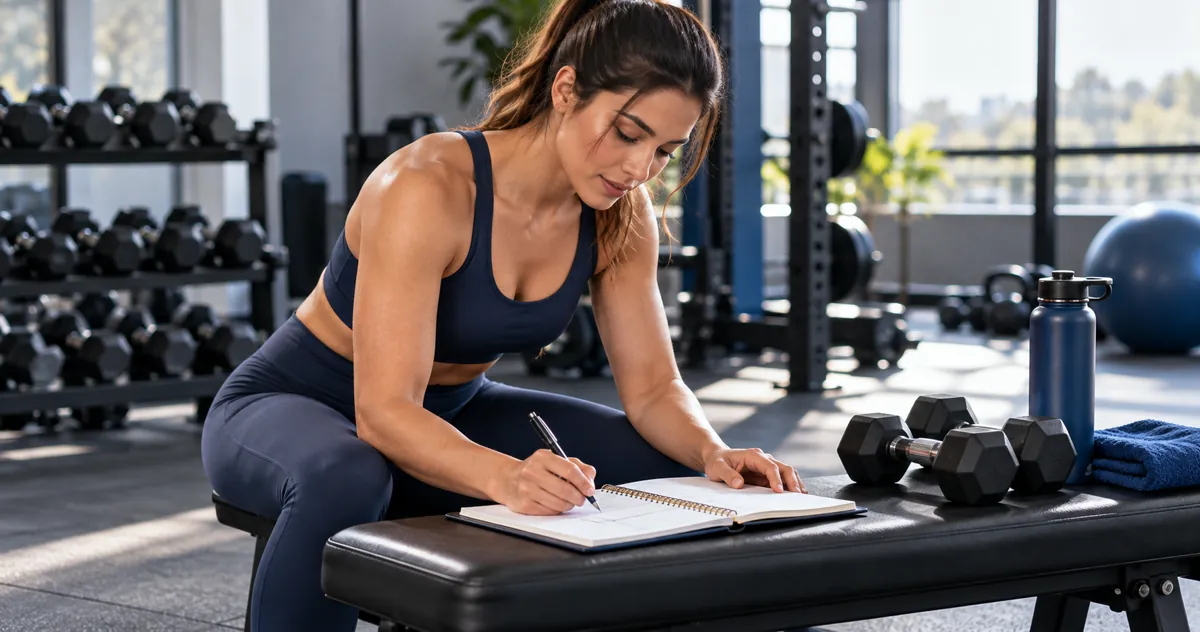
Muscle group is a useful starting point, but cannot identify every variation. Combine body region, equipment and movement type. An exercise may involve several regions; choose a primary category and secondary tags without duplicating the media file.
Use movement + equipment + position or variation, such as “Standing dumbbell curl”. Add the side for unilateral demonstrations. Keep a stable file identifier separate from the visible name so translating the catalogue does not break saved workouts.
Premium and Standard HD describe collections or presentation, not difficulty. Difficulty depends on the variation and audience rather than the GIF’s appearance. Calisthenics and HIIT may be separate collections, while a movement can be used in different contexts. Do not automatically label an entire collection advanced.
Store each exercise’s name, collection, equipment, primary category, tags, language and media file. Add professionally reviewed execution notes when available. Keep unidentified items under review instead of inventing names. Record licence conditions to avoid using media outside its permitted scope.
Compare imported content: differently named files may contain the same video. Keep genuine variations and do not delete solely because titles repeat. Test filters with familiar movements and open an old workout after updates. An organised catalogue grows without making search harder.
FORMFIT · EN
Compare visual quality, organisation, licensing and access before choosing exercise GIFs for your clients.
Read guideFORMFIT · EN
A practical workflow for delivering exercise instructions and demonstrations clearly.
Read guide