
FORMFIT · EN
How to choose an exercise GIF library
Compare visual quality, organisation, licensing and access before choosing exercise GIFs for your clients.
Read guideA practical workflow for delivering exercise instructions and demonstrations clearly.
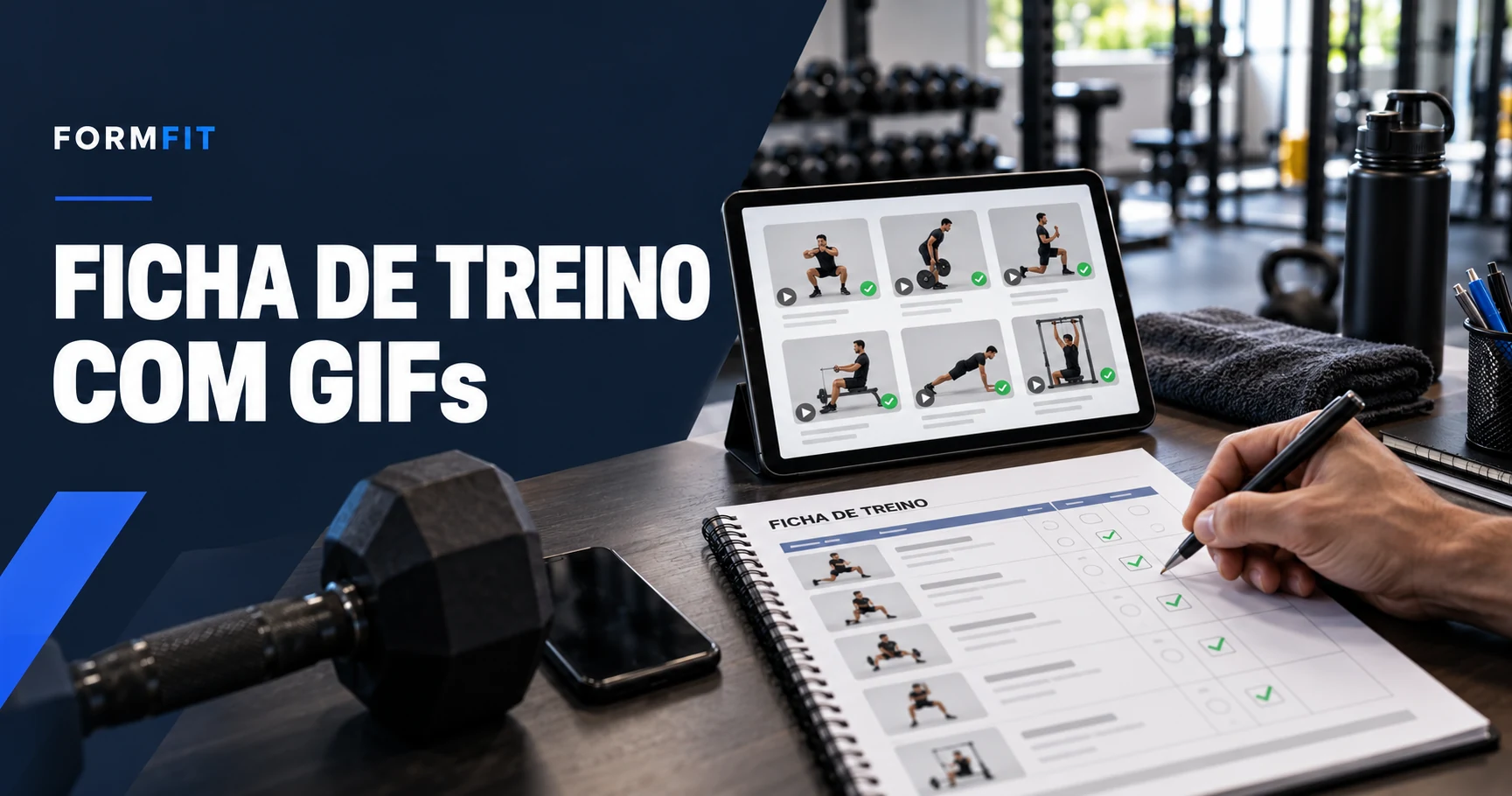
A stream of separate GIFs does not explain exercise order or prescription. Prepare a sheet with exercise names, sequence, sets, repetitions or duration and rest intervals defined by the coach. Include a date and version so clients do not follow an outdated session.
The media must match the prescribed variant. A seated press is not the same instruction as a standing press. Check equipment and position before attaching a file. If a demonstration is only an approximate reference, explain the difference or replace it with a matching example.
A PDF provides a stable sheet clients can save, but normally does not play GIF motion. For animation, attach a link or send the file separately. A workout link can keep demonstrations beside instructions if the client has permission. Do not describe a PDF as animated without testing the format and reader.
Open the delivery on another device or without the trainer’s session. Check access requirements, media loading and readability. For public links, share only necessary information; do not publish assessments, photos or health information without appropriate authorisation.
Example: “Here is your updated workout sheet. Follow the sequence and open the demonstration next to each exercise. Tell me if a link does not work. Check with me before changing a load or using another variation.” The message organises delivery; execution questions and symptoms require professional attention.
FORMFIT · EN
Compare visual quality, organisation, licensing and access before choosing exercise GIFs for your clients.
Read guideFORMFIT · EN
Build a searchable catalogue with consistent names, clear variations and separate collections.
Read guide